
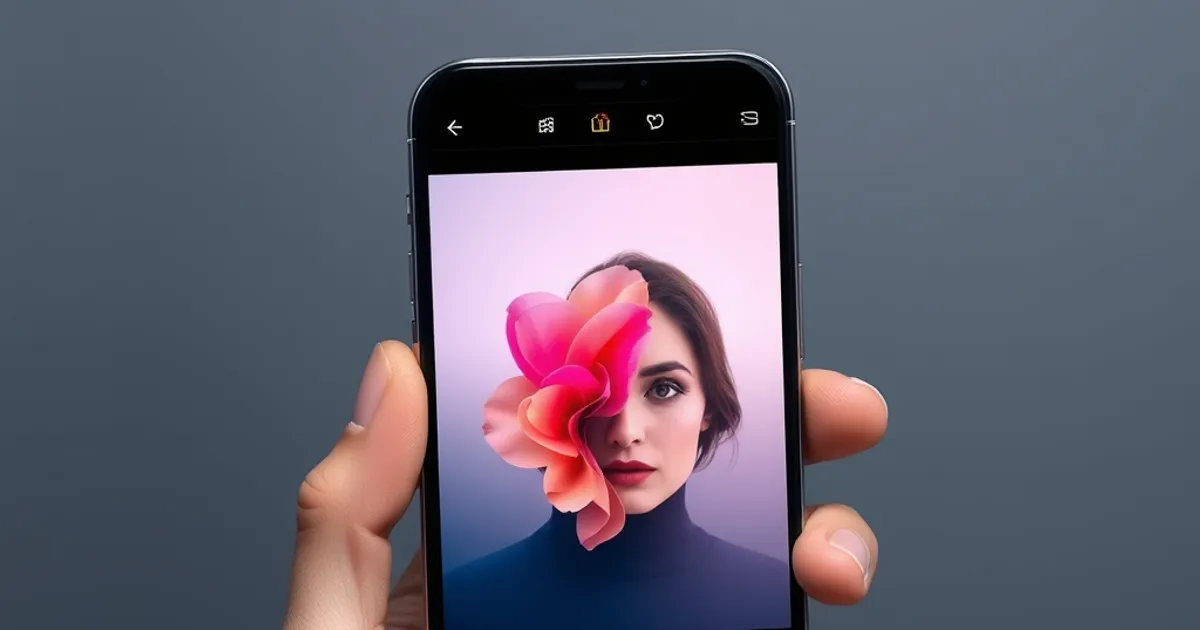
Snapseed by Google remains a powerhouse for mobile photographers, offering 29 tools and filters, including advanced options like selective brush and healing tools. Its RAW file support and non-destructive editing ensure high-quality adjustments without losing original data. The app is free, ad-free, and optimized for both Android and iOS. Professional photographers and hobbyists alike use Snapseed for precise control over exposure, contrast, and color grading. The interface is intuitive, making it ideal for users who need powerful editing without a steep learning curve.
Adobe Lightroom Mobile is a must-have for serious mobile photographers, offering cloud sync and AI-powered features like auto-tagging and subject selection. The app supports RAW editing, HDR capture, and advanced color grading tools. Lightroom’s presets allow for one-tap adjustments, while its integration with Adobe Creative Cloud ensures seamless workflows across devices. The free version includes basic editing tools, while the premium subscription unlocks advanced features like selective editing and cloud storage. Lightroom is optimized for both iOS and Android, making it a versatile choice for professionals and enthusiasts.
Key Insights
VSCO is another top contender, known for its film-inspired presets and high-quality editing tools. The app offers 10 free presets and additional packs via subscription, along with advanced controls for exposure, white balance, and grain effects. VSCO’s built-in camera features manual controls for shutter speed, ISO, and focus, making it ideal for capturing and editing photos in one place. The app also includes a social platform for sharing edited photos, fostering a creative community. VSCO is available on both iOS and Android, with a free tier and a premium subscription for additional features.
Smartphone technology evolves rapidly. This guide provides practical information to help you make informed decisions.
Related: iPhone 16 Pro Max Review: Worth the Upgrade in 2026? · Samsung Galaxy S25 Ultra Review: The Android Flagship Benchmark
Practical Tips
For quick and stylish edits, PicsArt stands out with its AI-powered tools, including background removal, object eraser, and AI image generator. The app offers a free tier with ads and a premium subscription for advanced features like ad-free editing and exclusive content. PicsArt’s collage maker and sticker library make it popular among social media users. The app is optimized for both iOS and Android, with a user-friendly interface that caters to beginners and experienced editors alike. Whether you need to enhance photos or create digital art, PicsArt provides a versatile and engaging editing experience.
External resource: Google Play
← Back to Blog