
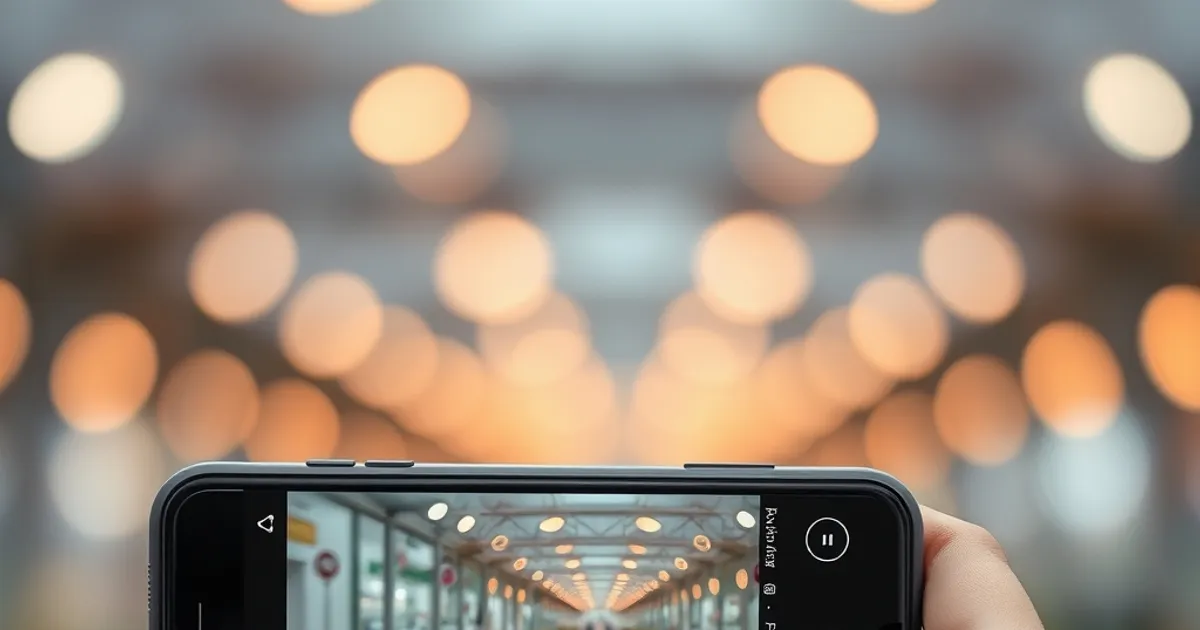
Modern smartphones like the iPhone 15 Pro and Samsung Galaxy S23 Ultra feature advanced camera systems with 200MP sensors and 10x optical zoom. To capture sharp images, always clean the lens with a microfiber cloth to avoid smudges. Use the native camera app for best results, as third-party apps may not fully utilize hardware capabilities. Enable Pro Mode to manually adjust ISO, shutter speed, and white balance for better control in challenging lighting conditions.
Lighting is crucial for smartphone photography. Natural light works best, so shoot during the golden hour—just after sunrise or before sunset—for soft, warm tones. Avoid harsh midday sun, which creates unflattering shadows. For indoor shots, use a reflector or a white sheet to bounce light onto your subject. The Google Pixel 8 Pro’s Night Sight mode excels in low light, capturing bright, detailed photos without a flash by combining multiple exposures.
Key Insights
Composition matters just as much as the camera itself. Use the rule of thirds by enabling grid lines in your camera settings. Place your subject along these lines for a balanced shot. For portraits, the iPhone 15 Pro’s Portrait Mode creates a depth-of-field effect, blurring the background. Experiment with angles—shooting from a low perspective can add drama, while a high angle works well for flat lays. The Samsung Galaxy S23 Ultra’s 100x Space Zoom lets you capture distant subjects without losing quality.

Smartphone technology evolves rapidly. This guide provides practical information to help you make informed decisions.
Related: iPhone 16 Pro Max Review: Worth the Upgrade in 2026? · Samsung Galaxy S25 Ultra Review: The Android Flagship Benchmark
Practical Tips
Post-processing can elevate your photos further. Apps like Adobe Lightroom Mobile or Snapseed offer powerful editing tools. Adjust exposure, contrast, and saturation to enhance colors. The iPhone’s built-in Photos app includes one-tap adjustments for brightness and warmth. For sharper details, use the sharpening tool sparingly. Always shoot in RAW format if possible, as it retains more data for editing. With these tips, even a mid-range phone like the Google Pixel 7a can produce professional-looking photos.
External resource: Android Central
← Back to Blog