
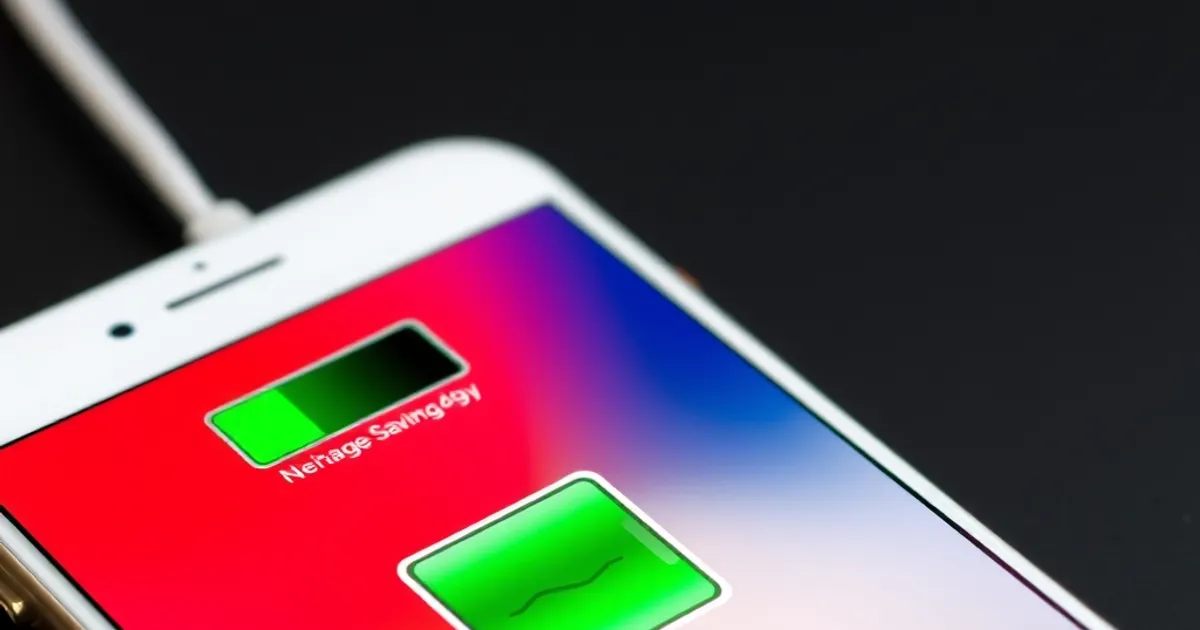
Modern smartphones like the iPhone 15 Pro Max or Samsung Galaxy S24 Ultra pack powerful hardware, but their battery life often falls short of expectations. To maximize longevity, start by reducing screen brightness to 50-70% and enabling auto-brightness. Use dark mode across apps and the OS, as OLED screens (found in iPhones and Galaxy S series) consume less power with darker pixels. Disable unnecessary widgets and live wallpapers, which constantly refresh and drain power. These small adjustments can add 2-4 hours to your daily usage.
Background app refresh and push notifications are silent battery killers. On iOS, go to Settings > General > Background App Refresh and disable it for non-essential apps like social media or games. On Android, navigate to Settings > Apps > Special Access > Battery Optimization and restrict background activity for apps like Facebook or Instagram. Disable push notifications for low-priority apps via Settings > Notifications. Apps like Gmail or Slack can switch to manual sync, reducing wake-up calls to the processor. These tweaks can save up to 20% battery over a day.
Key Insights
Battery health degrades over time, but you can slow the process. Avoid extreme temperatures—don’t leave your phone in a hot car or below 32°F (0°C). Charge your device between 20% and 80% to reduce stress on the lithium-ion battery. Use the manufacturer’s charger (e.g., Apple’s 20W USB-C Power Adapter or Samsung’s 45W Super Fast Charger) and avoid fast charging overnight, as it generates excess heat. Enable Optimized Battery Charging on iOS or Adaptive Battery on Android to learn your usage patterns and charge more efficiently.
Smartphone technology evolves rapidly. This guide provides practical information to help you make informed decisions.
Related: iPhone 16 Pro Max Review: Worth the Upgrade in 2026? · Samsung Galaxy S25 Ultra Review: The Android Flagship Benchmark
Practical Tips
For heavy users, consider hardware-based solutions like a low-power mode or external battery packs. iOS’s Low Power Mode reduces background activity, mail fetch, and visual effects, extending battery by up to 3 hours. Android’s Battery Saver does the same, throttling CPU performance and limiting background data. For all-day use, carry a portable charger like the Anker PowerCore 10000 or ZMI PowerPack 20000, which offer 2-4 full charges. Disable GPS, Bluetooth, and Wi-Fi when not in use, and use airplane mode in low-signal areas to prevent battery-draining search attempts. These strategies ensure your phone lasts until you can recharge.
External resource: Android Central
← Back to Blog