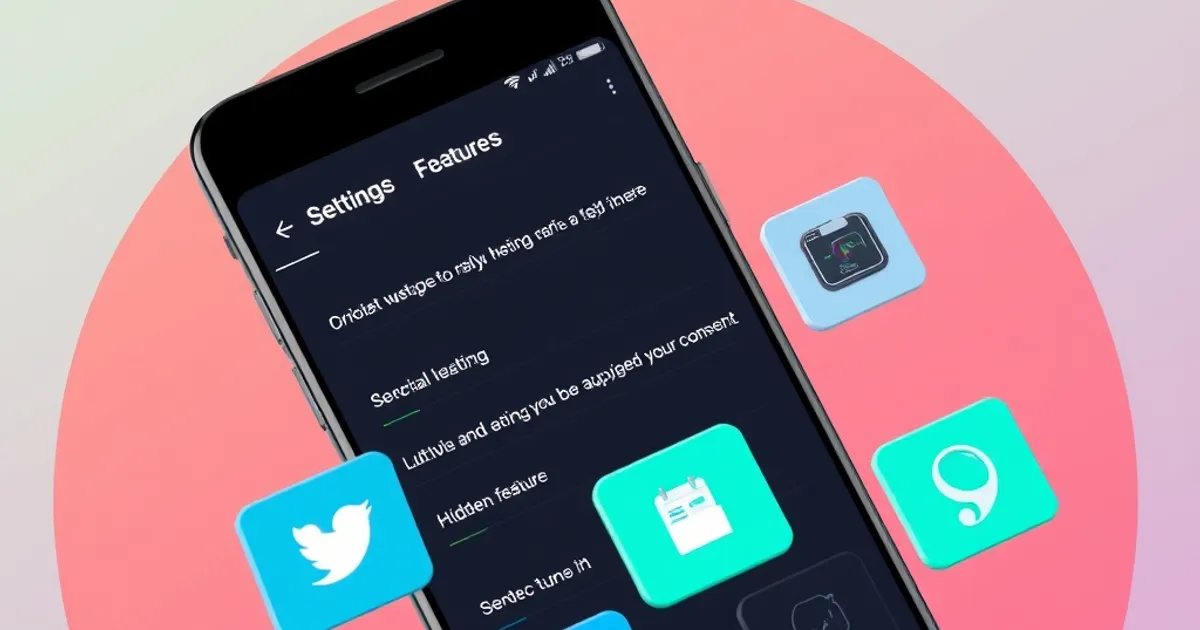
Your smartphone is packed with underutilized features that can boost productivity and convenience. For instance, Android’s ‘Digital Wellbeing’ tracks app usage and sets app timers, while iOS’s ‘Screen Time’ offers similar insights. Samsung Galaxy users can enable ‘One-handed mode’ in Settings > Advanced features to shrink the display for easier thumb access. Google Assistant’s ‘Routines’ automates tasks like turning on Wi-Fi at home or silencing calls during work hours. These tools are hidden in plain sight but transform how you interact with your device daily.
Many users overlook the power of quick toggles and hidden gestures. On iPhones, a long-press on the spacebar moves the cursor like a trackpad, while Android’s ‘Magnification’ in Accessibility settings lets you zoom by triple-tapping the screen. Samsung’s ‘Edge Panels’ provide instant access to apps, contacts, or tools like the flashlight. iOS’s ‘Back Tap’ feature, found in Accessibility > Touch, lets you trigger shortcuts with a double or triple tap on the back of the phone. These gestures save time and reduce reliance on physical buttons.
Key Insights
Battery and performance optimizations often go unnoticed. Android’s ‘Adaptive Battery’ learns your usage patterns to extend battery life, while iOS’s ‘Optimized Battery Charging’ reduces wear by learning your charging habits. Samsung’s ‘Performance Profile’ in Device Care adjusts CPU and GPU settings for gaming or productivity. Google’s ‘Battery Saver’ mode can extend runtime by up to 2 hours on a Pixel 7. Even iPhones benefit from ‘Low Power Mode,’ which temporarily reduces background activity. These features ensure your phone lasts longer without sacrificing performance.
Smartphone technology evolves rapidly. This guide provides practical information to help you make informed decisions.
Related: iPhone 16 Pro Max Review: Worth the Upgrade in 2026? · Samsung Galaxy S25 Ultra Review: The Android Flagship Benchmark
Practical Tips
Security and privacy features are frequently overlooked but critical for protection. Android’s ‘Lockdown Mode’ disables biometrics temporarily, while iOS’s ‘Lockdown Mode’ (iOS 16+) blocks advanced threats like spyware. Samsung’s ‘Secure Folder’ isolates sensitive apps and files, and Google’s ‘Find My Device’ can lock or erase your phone remotely. iPhones also offer ‘Sensitive Content Warning’ in Messages to blur explicit images. These tools safeguard your data without requiring third-party apps, making them essential for modern smartphone users.
External resource: Android Central
← Back to Blog